Reading Level Analyzer: How to Grade B2B Content for Readability
As of September 2026, teams can use a reading level analyzer to score a draft before publish, compare landing pages against blog posts, and tighten copy before it slows a buyer down. Essel can automate that check inside an SEO workflow, but the core move is simple: reduce friction without flattening technical substance.
Key takeaways
- A reading level analyzer grades text by sentence length, syllable density, and related readability formulas.
- For most B2B content, an 8th-to-10th grade target is the practical range.
- Free tools are fine for a baseline, but they do not replace editing judgment.
- Readability is not about dumbing down ideas. It is about making the same idea easier to parse.
- Clean prose also helps AI search systems extract and cite the answer.
What is a reading level analyzer?
A reading level analyzer is a tool that estimates how hard a piece of writing is to read by applying formula-based checks to the text. In practice, it turns sentence length, syllable load, and word complexity into a grade-level score or a readability score that content teams can act on.
For B2B writers, that matters because the reader is usually scanning under time pressure. They are comparing vendors, evaluating implementation effort, or trying to understand a technical concept quickly. If the writing forces them to reread every paragraph, the content may be accurate and still fail.
A useful benchmark is the 8th-grade level. Readable says that targeting Grade Level 8 means 85% of the public can read and understand the content (Readable). That does not mean every B2B article must read like consumer copy. It means clarity should be the default, and jargon should earn its place.
That is the line. Keep the substance, cut the drag.
How reading level algorithms grade your prose
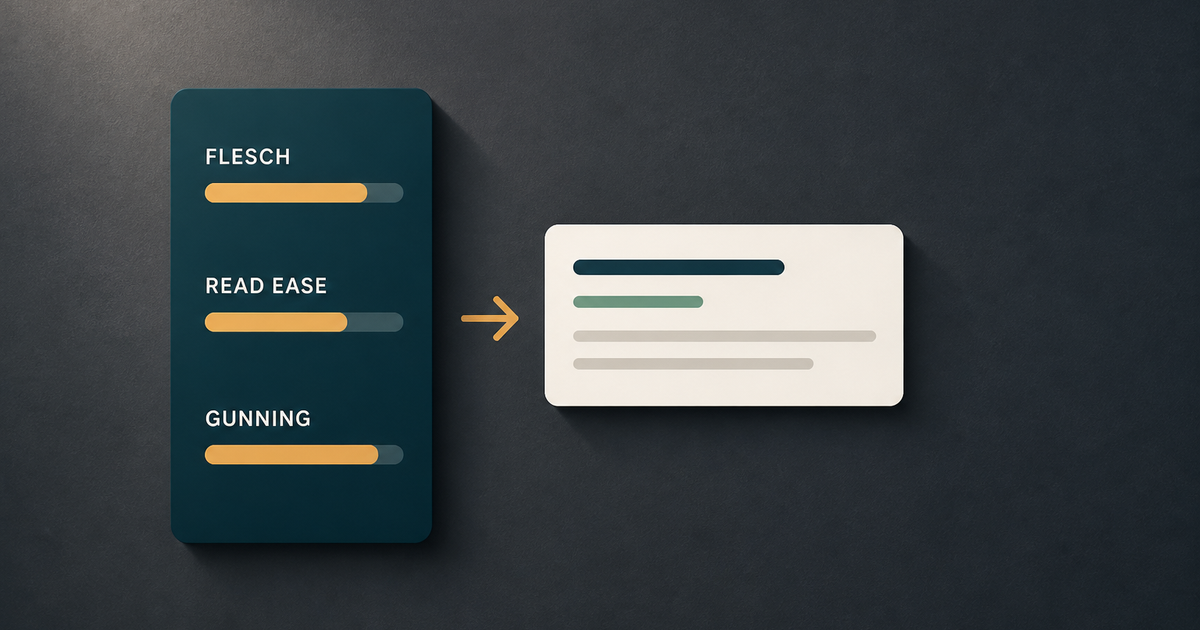
Reading level tools usually score prose by combining sentence length and word complexity, then mapping that to a school-grade estimate or a reading ease score. The formulas differ, but the basic signal is the same: longer sentences and denser words usually increase cognitive load.
| Formula / index | What it measures | Why it matters |
|---|---|---|
| Flesch Reading Ease | Sentence length and syllables per word | Higher scores indicate easier reading. Microsoft Support gives the formula as 206.835 – (1.015 x ASL) – (84.6 x ASW) and says standard documents target 60 to 70 (Microsoft Support). |
| Flesch-Kincaid Grade Level | Sentence length and syllables per word | Microsoft Support gives the formula as (.39 x ASL) + (11.8 x ASW) – 15.59, which converts the text into a school-grade estimate (Microsoft Support). |
| Gunning Fog Index | Sentence length and difficult words | Datayze notes that the Fog index treats words with more than three syllables as difficult (Datayze). |
| Coleman-Liau Index | Characters per word and sentence length | Useful when you want a character-based proxy instead of a syllable-heavy formula. |
| Automated Readability Index | Characters per word and sentence length | Often used in software tools because it is simple to compute at scale. |
The important part is not memorizing the math. It is knowing what the math rewards.
Shorter sentences usually help. Plain words usually help. Dense noun stacks usually hurt.
If your copy is full of multi-clause sentences and abstract phrasing, the analyzer is usually telling you what the reader already feels.
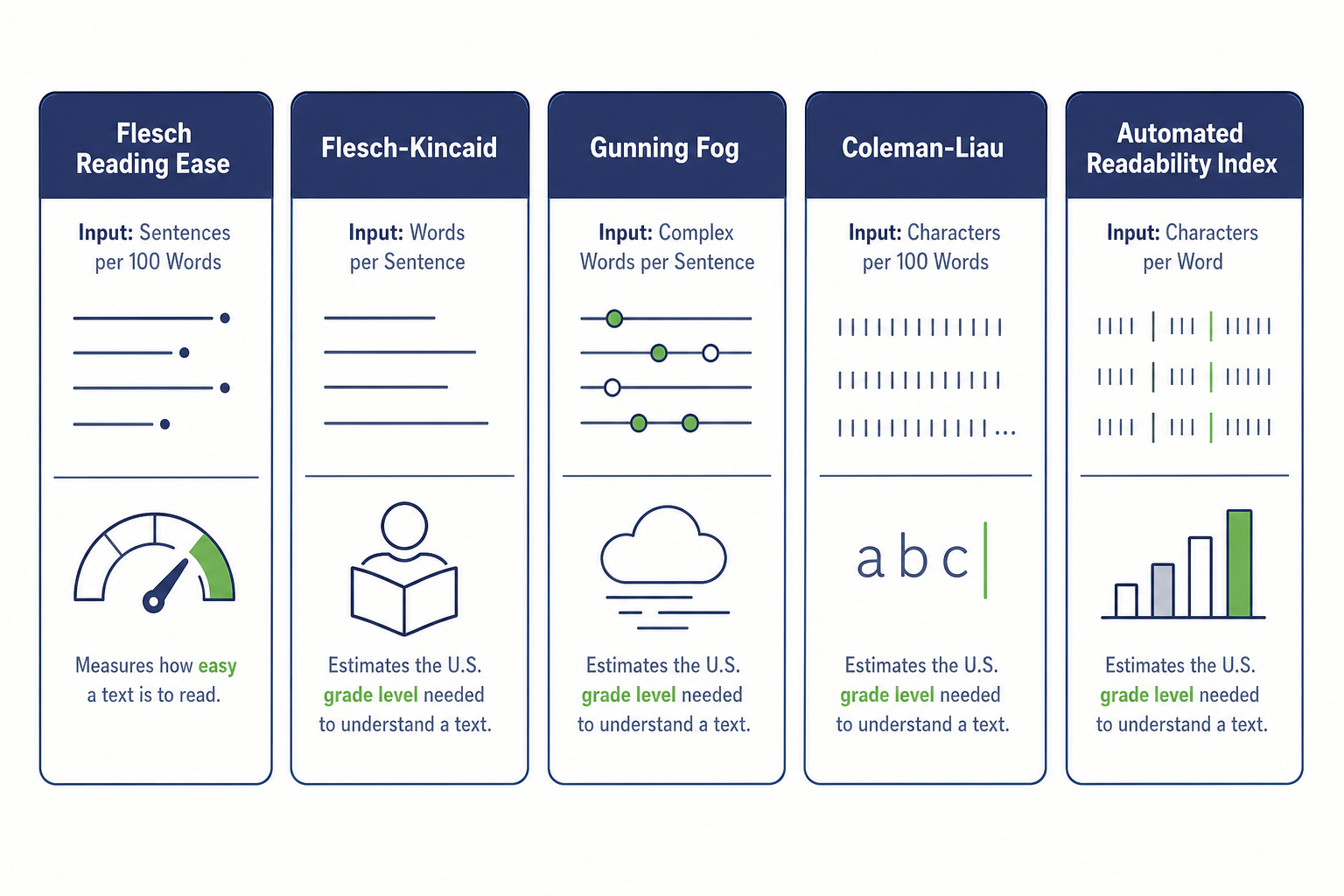
Compare how each formula measures sentence length and syllable density.
“The formula for the Flesch-Kincaid Grade Level score is: (.39 x ASL) + (11.8 x ASW) – 15.59 where: ASL = average sentence length (the number of words divided by the number of sentences) ASW = average number of syllables per word (the number of syllables divided by the number of words)”
Microsoft Support
Target grade levels for SaaS and B2B content
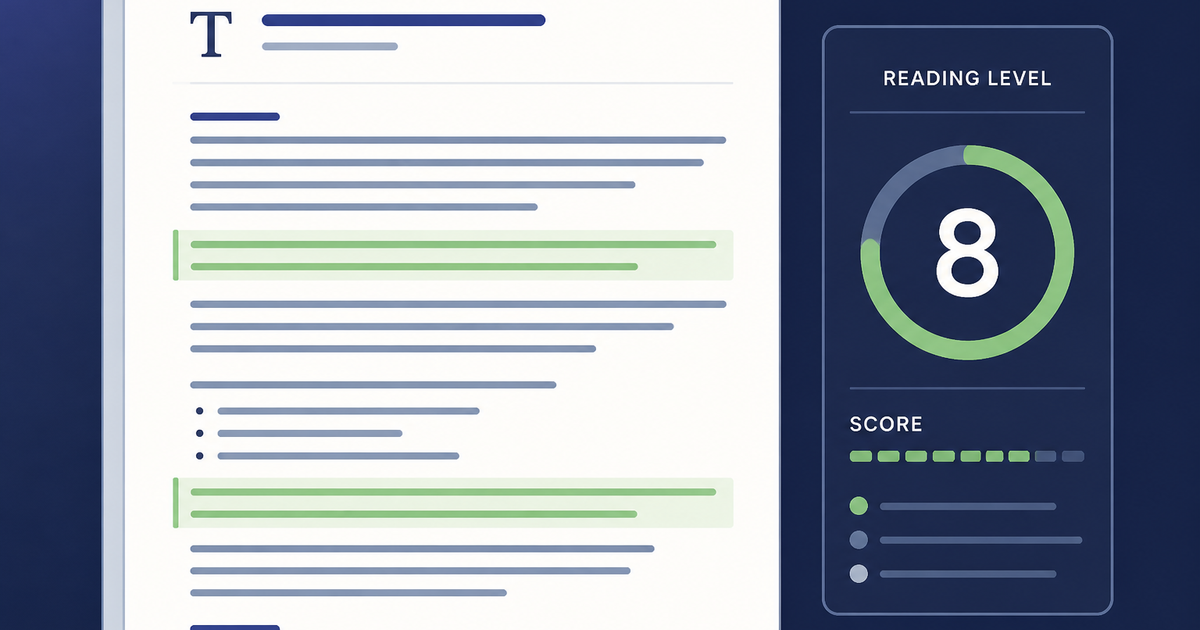
Most B2B content performs best when it lands around an 8th-to-10th grade reading level. That range gives you enough room for product nuance, technical terms, and buyer-specific detail without making the draft feel like a compliance memo.
| Asset type | Practical target | Why |
|---|---|---|
| Top-of-funnel blog post | 7th to 8th grade | Broadest reach, fastest comprehension, strongest fit for search snippets and AI answers. |
| Product page | 6th to 8th grade | The reader needs the value proposition fast, with minimal cognitive friction. |
| Comparison page | 8th to 9th grade | You need clarity plus enough detail to separate options cleanly. |
| Technical guide | 9th to 11th grade | The topic may require precision, but the sentence structure should still stay clean. |
| API or developer doc | 10th to 11th grade | Technical vocabulary is expected, but the prose should stay direct and scannable. |
This is where a lot of teams get the target wrong. They chase a low score and strip out the terms the buyer actually needs to make a decision. Better writing is not fewer ideas. Better writing is fewer obstacles between the idea and the reader.
A good working rule: if the content is meant for marketers, founders, or sales-adjacent buyers, aim lower. If it is meant for engineers or implementation teams, tolerate more technical vocabulary, but keep the sentence structure tight and the transitions obvious.
What tools can I use to assess my reading level?
You can assess reading level with browser tools, desktop editors, or a readability checker built into your content workflow. The right choice depends on whether you want a quick one-off score or an ongoing editing system.
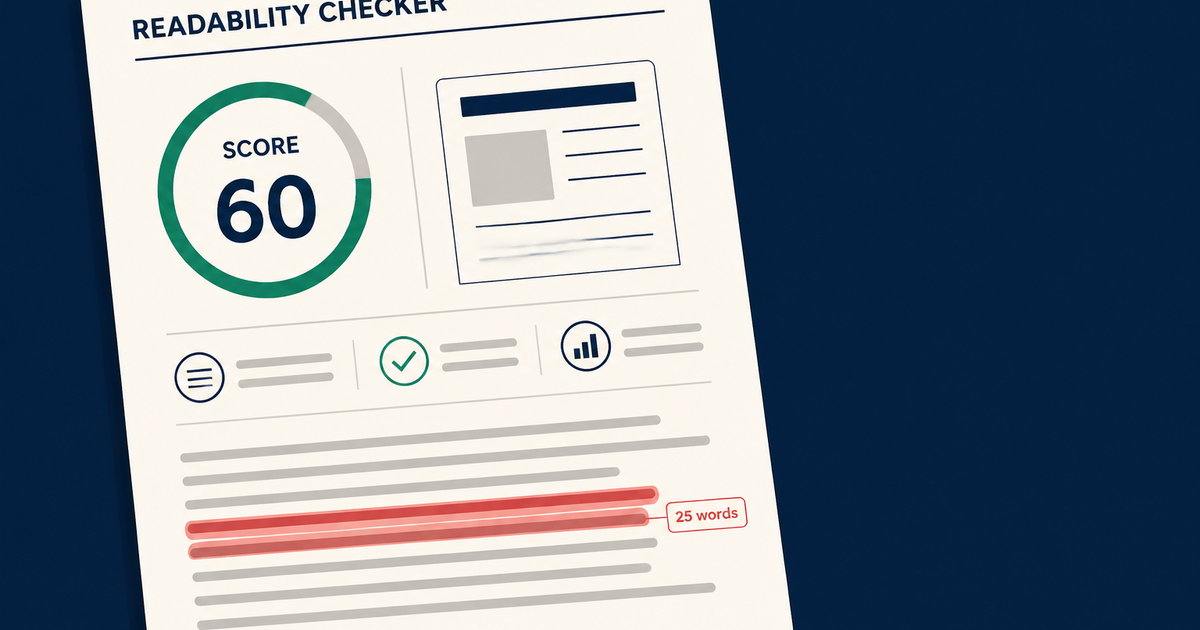
- Hemingway Editor is useful when you want sentence-level feedback. It highlights sentences in yellow when they score four or more grade levels above the average adult reading level, and in red when they score six or more higher (Hemingway Editor).
- Microsoft Word can show readability statistics, including Flesch-Kincaid Grade Level, after proofing is enabled.
- A reading level analyzer free tool is enough for baseline checks when you just need to check readability score before publishing.
- An online readability tool is best when you want to paste in copy and get a quick diagnostic without setup.
- Essel’s free readability checker tool is a practical option when you want to score content as part of an SEO workflow instead of treating readability as a separate task.
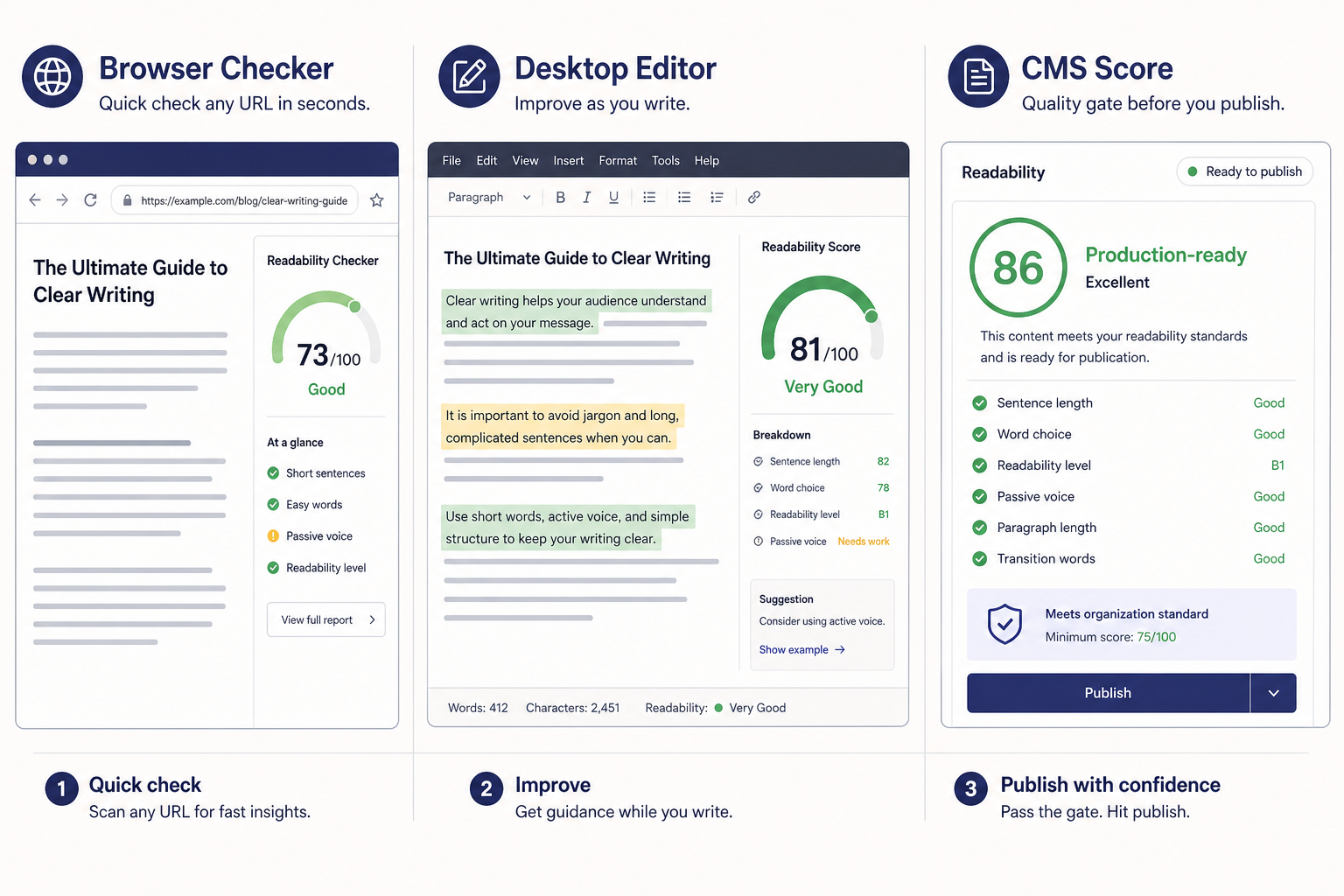
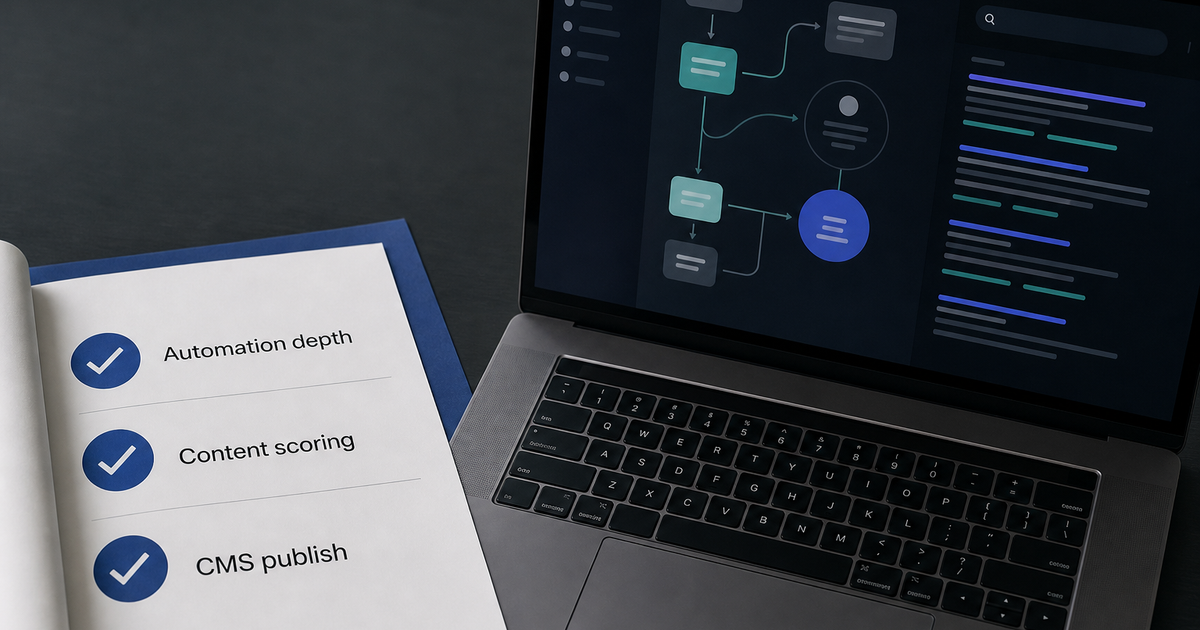
Choose a checker that fits your workflow: quick browser tool, editor-level feedback, or automated CMS scoring.
If you want a broader toolkit, the free SEO tools directory includes the readability checker alongside other quick utilities. That matters because readability is rarely the only issue. Often it sits next to weak headings, thin internal linking, or unclear search intent.
A reading level analyzer free option is fine when you are validating a single draft. It is not enough when you are shipping content every week. In that case, you want a repeatable workflow: draft, score, trim, publish, refresh.
How to grade and optimize B2B content for readability
When you are revising a SaaS landing page or a feature explainer, score the draft first, then edit against a specific target grade. Do not rewrite from instinct alone. Score the page, identify the worst sections, and fix the high-friction sentences before polishing anything else.
- Run a readability test on the draft and record the baseline grade level.
- Find sentences that are long, nested, or full of passive constructions.
- Replace vague phrases with concrete verbs and specific nouns.
- Split compound sentences that carry more than one idea.
- Remove filler transitions that do not change meaning.
- Re-score the page and compare the new result to the original.
A simple edit pass often produces a big shift.
One 34-word sentence broken into two 17-word sentences can drop the score more than any clever vocabulary tweak. The analyzer is not judging intelligence. It is measuring processing cost.
Tip: If a sentence cannot be read aloud in one breath without losing the subject, it probably needs to be split.
The most common failure mode in B2B writing is not complexity. It is stacked abstraction. Phrases like “streamline cross-functional alignment” or “drive scalable value creation” sound polished, but they create more work for the reader than the actual message does.
How readability impacts AI search visibility and GEO
Clearer content is easier for AI systems to parse, summarize, and cite. That does not mean readability alone wins visibility, but it removes one of the biggest failure points: unclear sentence structure.
Use this quick GEO check before you publish:
- Does the section answer the question in its first sentence?
- Can a model lift the core claim without extra context?
- Are the key terms obvious, stable, and close to the surface?
- Did you pair the prose with internal links, schema, and topical depth?
Modern search systems reward passages that answer the question directly, use stable subject-verb-object structure, and keep the main claim close to the surface. When the prose is tangled, the model has to work harder to extract the answer. When the prose is clean, the answer is easier to quote.
That is why readability belongs in GEO and AEO workflows, not just editorial QA. Pair the readability check with structured headings, internal links, schema, and topical depth. If you want a fuller view of that stack, see Essel’s guide to SEO for AI search.
One sentence can do a lot of work here: better readability makes the content easier for people to trust and easier for machines to lift.
Frequently asked questions
What app can I use to determine my reading level?
You can use Hemingway Editor, Microsoft Word, or a dedicated readability analyzer app to determine reading level. Hemingway is the most visual option because it flags hard-to-read sentences directly, while Word is useful if you already work inside Office. If you need a quick browser tool, a free online checker is usually the fastest path.
Is a 42 readability score good?
A score of 42 is usually too hard for general B2B readership. On the Flesch Reading Ease scale, scores around 60 to 70 are considered standard, so 42 signals dense, effortful prose that should usually be revised for clarity. It may be acceptable for a technical audience, but it is not a strong default for marketing copy.
Is there a free Lexile analyzer?
Yes, there are free tools that estimate text complexity in ways similar to the Lexile Framework, but Lexile is mostly used in educational contexts rather than B2B content grading. If your goal is to improve web copy, a standard readability checker is usually more useful because it maps more directly to sentence length and word choice.
How can I measure my reading level?
You can measure reading level by pasting text into a reading level analyzer and checking the grade estimate, the readability score, or the flagged sentences. For B2B content, the useful move is not to chase a single number. It is to compare the score before and after edits and keep the version that reads faster without losing precision.
How can I test my child's reading level at home?
You can test your child's reading level at home by using age-appropriate passages, listening for accuracy, and noting how much help they need with unfamiliar words. That question is different from grading B2B content, which measures how hard written copy is to read. For a child, you are assessing the reader. For marketing content, you are assessing the text.
How do I choose the right reading level analyzer?
Choose the tool that fits the workflow.
If you need a quick sanity check, use a free browser-based checker. If you want sentence-level diagnostics, use Hemingway Editor. If you want to score content inside a publishing stack, use an automated tool that can run repeatedly before publication.
The best setup for a B2B team is usually a mix: one fast manual checker, one editor-friendly app, and one system-level score that runs before publish. That gives you a baseline, a line-level view, and a production gate.
If you only pick one, pick the tool you will actually use on every draft. Consistency beats feature count.